WiFi Site Survey with SWiSS
Overview
SWiSS (Spatial WiFi Site Survey) toolkit is a collection of tools designed to facilitate indoor and outdoor WiFi HaLow coverage testing and analysis.
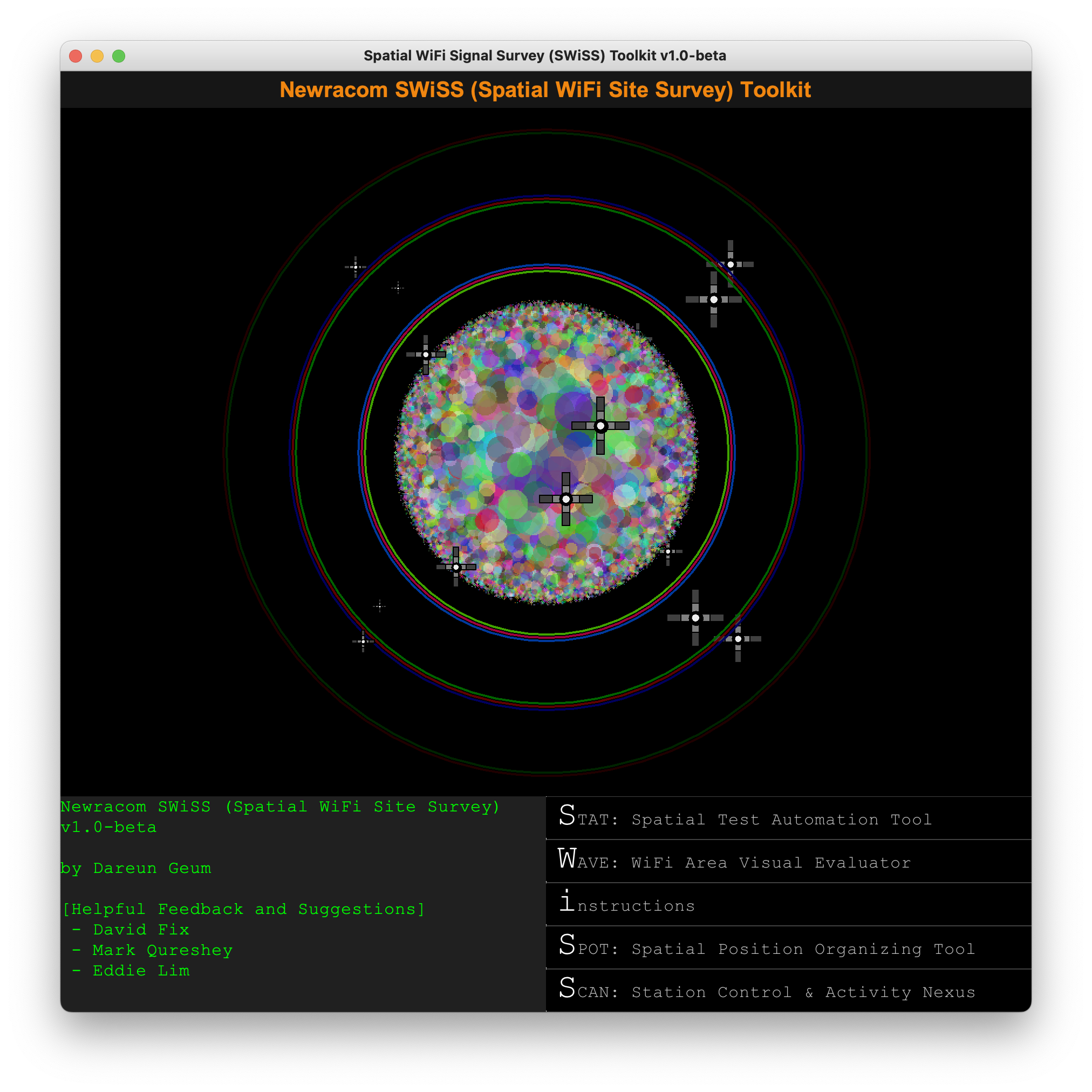
The SWiSS toolkit consists of five components:
- STAT: Spatial Test Automation Tool
(STA-side) Automated measurement logging tool
- WAVE: WiFi Area Visual Evaluator
Heatmap generation tool
- Instructions
Web-based documentation on SWiSS usage
- SPOT: Spatial Position Organizaing Tool
Spatial coordinate marking tool
- SCAN: Station Control & Activity Nexus
(AP-side) STA activity monitoring tool
For more information about the SWiSS toolkit, please check out the in-built tool documentation.
Requirements
The tool requires Java Runtime Environment (JRE8). Download and install the OS-compatible version of JRE8 for the PC.
Download Link
Launching the Program
- Windows
Double-click ‘swiss.exe’.
- MacOS
Right-click ‘swiss.jar’ and select OPEN.
- Linux
Navigate to the program directory and type ‘./run’.